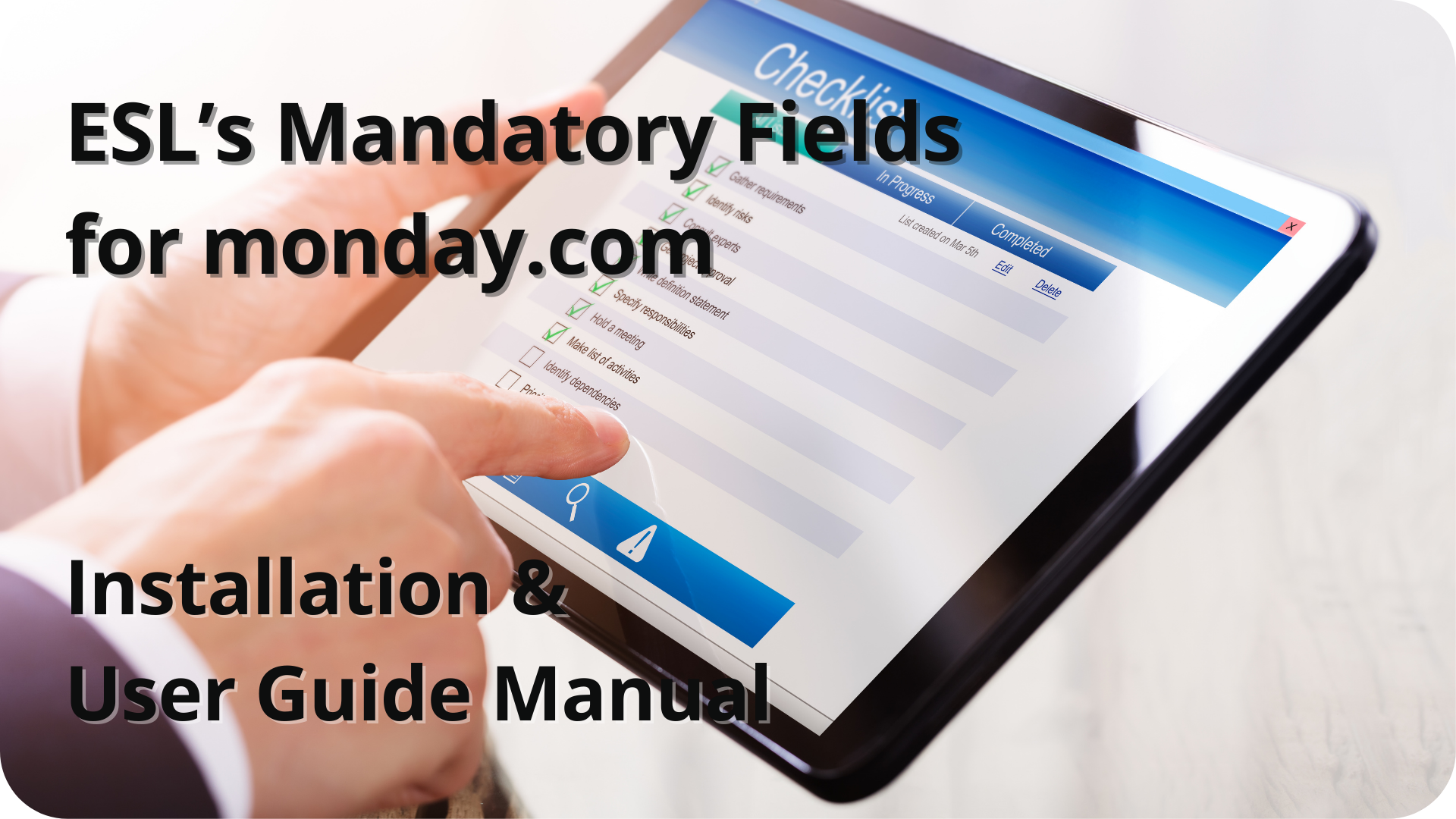
ESL’s Mandatory Fields for monday.com- Installation & User Guide
How does it work
 Add the E.S.L’s Mandatory Fields
- Go To monday.com Apps Marketplace, search for “Mandatory Fields” and download the app
- Add the Dashboard of the app
- Select the board, group and columns you like to restrict
- Add our integrations to the board by clicking the “Integrate” button
 Key Features
- Never miss another important piece of data again as columns are now mandatory
- Allow users the freedom to work on their own, whilst still encouraging the correct data input
- Easy setup for multiple boards, to run several processes independently
 Group Widget
- Access Mandatory Fields by clicking on the three dots next to a group
- Create restrictions directly from the desired groups
- Currently, this feature can be accessed when you activate Developer mode through monday.labs